Every project starts the same way
Structure, conventions and the CI/CD pipeline come from prepared templates, so switching client projects means no relearning.

For agencies
An agency runs several projects at once, each with its own domain, credentials and server. The Application Platform creates that groundwork, so a new engagement does not start with a week of plumbing.
Start for free. No credit card required.
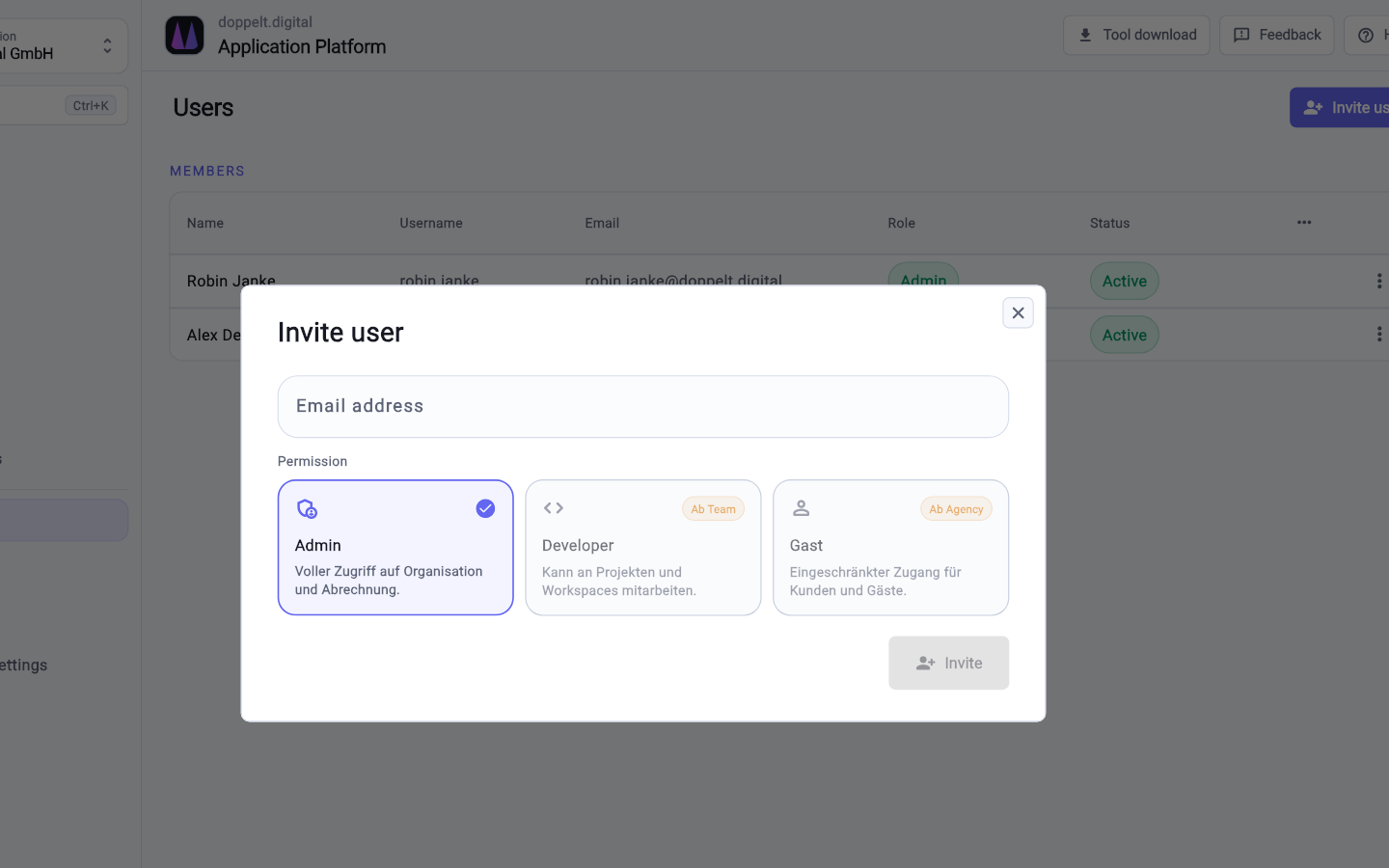
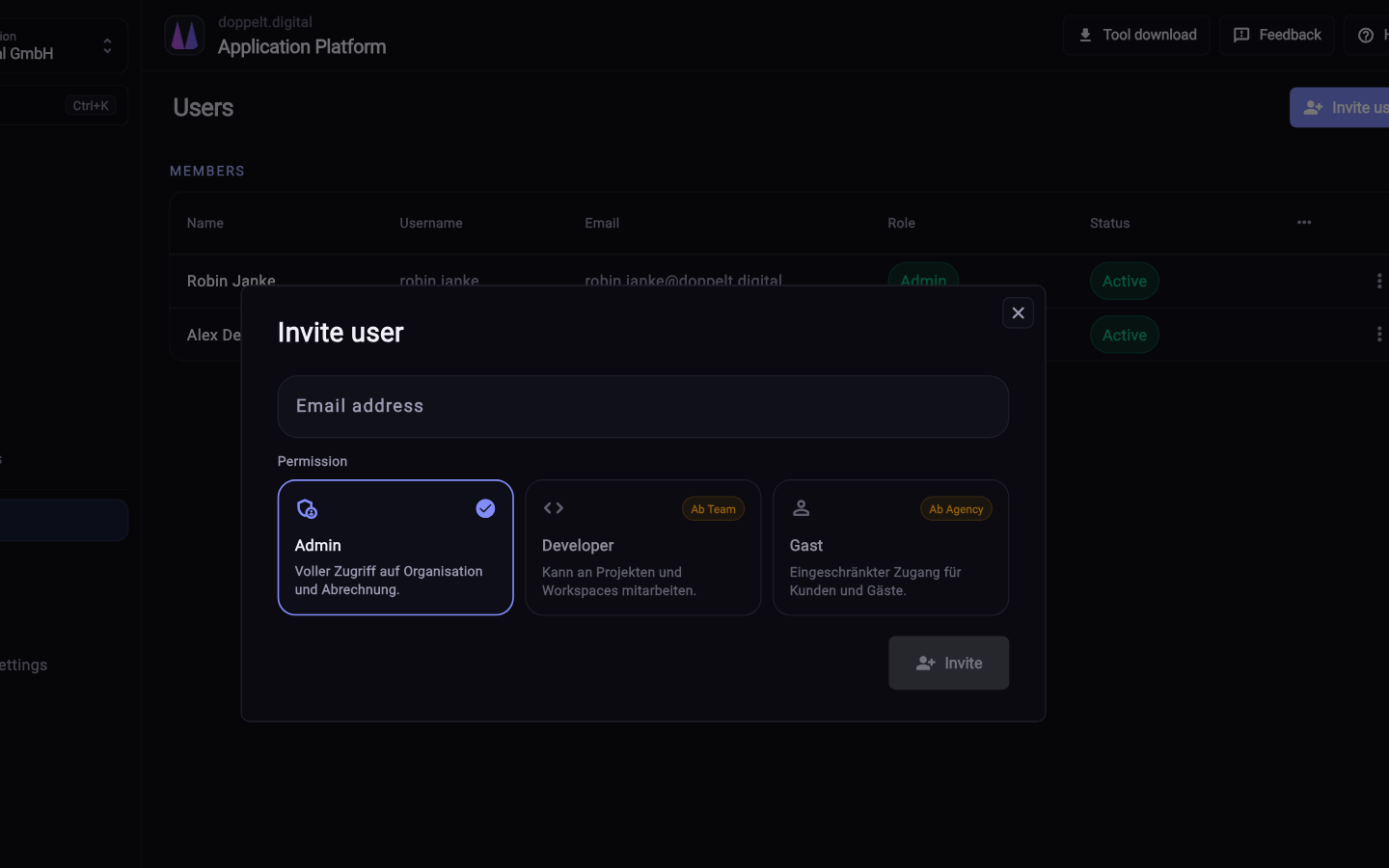
Agency work is repetition with variations. That is exactly where the platform helps.
This lines up the tasks that come up in an agency looking after several client projects in parallel.
| Task | With the Application Platform | Without a platform |
|---|---|---|
| Project setup | Fully covered: Repository, structure, CI/CD pipeline, server connection, domain and SSL from the wizard | Not offered: Every client project opens with groundwork nobody likes to put on an invoice |
| Reusable foundation | Fully covered: Templates for Next.js, NestJS, Laravel, FastAPI, Flutter, Expo, native apps, Astro and Hugo | Partly covered: An in-house boilerplate that someone has to maintain and that ages anyway |
| Multiple brands from one codebase | Fully covered: Whitelabel projects with their own branding, domains and store listings | Not offered: Cloned repositories that drift apart within months |
| Per-client access rights | Fully covered: Organisations, roles and access rights separate projects and teams from each other | Partly covered: Credentials scattered across password lists and personal accounts |
| Traceability | Fully covered: Audit log plus GitOps: environments and deployments live as configuration in Git history | Not offered: Server states nobody can reconstruct once the person who built them is away |
| Servers and operations | Fully covered: Your own server over SSH or a managed one, with Docker, reverse proxy, SSL, firewall and backups | Partly covered: One hand-grown machine per client, each with its own history |
| Mobile releases | Fully covered: Flutter, Expo and native projects into the App Store, Play Store and Microsoft Store | Not offered: Signing, certificates and store forms done by hand |
| Onboarding developers | Fully covered: Remote workspaces with VS Code, JetBrains, RDP or VNC, including macOS for iOS builds | Not offered: A day or two of machine setup per person and project |
| Handover to the client | Fully covered: Repository, pipeline configuration and server setup are readable and transferable | Not offered: Knowledge sits in people’s heads and local scripts |
| Predictable cost | Fully covered: A platform base price plus add-ons for extra users, workspaces and CI minutes | Partly covered: Setup and operations effort varies from project to project |
Green means covered, amber partly, grey missing. The right-hand column is not a competitor but the usual state of things without an end-to-end platform.
As of 10 August 2026. This comparison describes typical workflows and can differ from project to project.
Six things that matter when you are serving several clients at once.
Structure, conventions and the CI/CD pipeline come from prepared templates, so switching client projects means no relearning.
Brands are variants of the same project. Build, deployment and publishing run through the same pipeline for each of them.
Organisations, roles and access rights decide who sees which project. Credentials are managed centrally instead of in shared notes.
Mobile apps get built, signed and published to the App Store, Play Store and Microsoft Store together with their metadata and screenshots.
One Flutter project. Many independent apps come from it.
One client project as a pilot is enough to judge the workflow.
Create an organisation for the agency and add your team with roles. Access rights can be narrowed down per project later.
Pick a live client project of manageable size, create it in the wizard and connect either your own server or a managed one.
Adjust the pipeline configuration in the repository to match your standards. What proves useful becomes the next project’s template.
New engagements start from the same setup. Existing projects follow whenever a relaunch or a bigger release comes up anyway.
Yes. Projects sit inside organisations, and roles and access rights decide who can see and edit each one. Credentials and secrets are managed centrally rather than passed around, and the audit log records which change came from whom.
The code belongs to the client, with full code ownership. Repositories, the GitLab CI configuration and the GitOps description of the environments are readable files that can be transferred. Leaving is a handover, not a rebuild.
No. You can attach existing servers over SSH and the platform configures Docker, databases, reverse proxy, SSL, firewall and backups on them. Alternatively you book a managed server. Plenty of agencies mix both, depending on the client.
Register for free, create a project and compare the effort with your current setup.
Start for free. No credit card required.